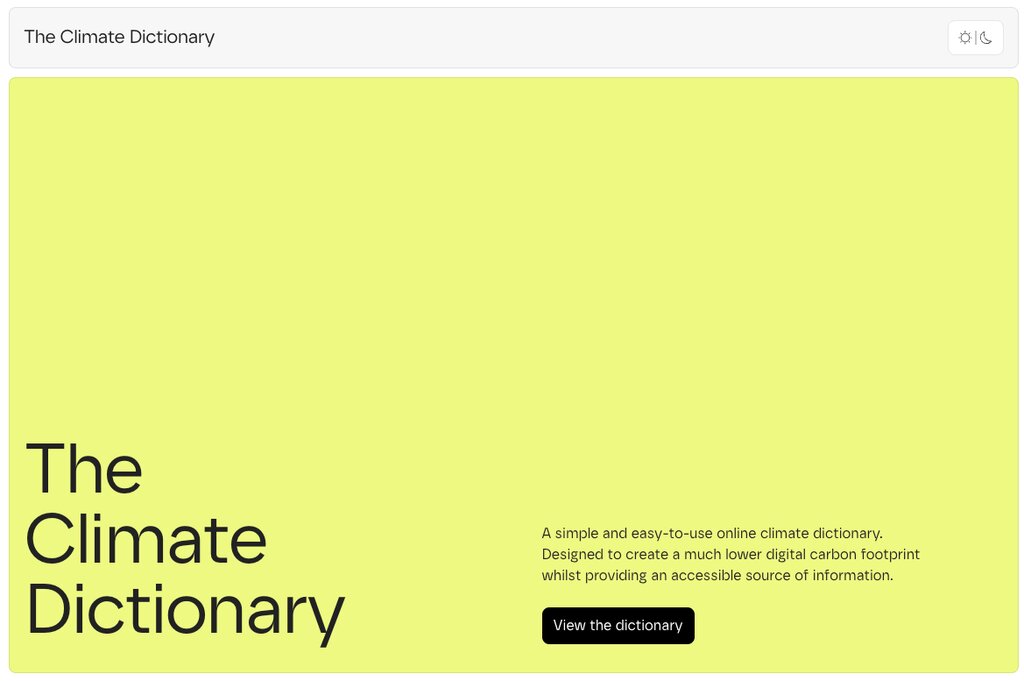
Why did I create a new climate dictionary?
One afternoon, I was Googling a few specific climate terms. I couldn’t find good resources for some of the most common terms. Other resources were static PDFs, which aren’t very accessible. They required downloading to be able to view them. A huge waste of data. Many terms were missing across different resources due to them not being updated.
Static HTML, CSS, and JS
The Climate Dictionary was designed and built to be as simple as it could be. To be considerably lighter than any other climate dictionary source that existed elsewhere. So, I knew I didn’t want to use any toolkit, class system like Tailwind, or third-party scripts for functionality.
The CSS includes a very small number of reset styles but generally allows the browser to do its thing for default styling. SASS is used as a preprocessor, which is then compiled and minified with the Prepros app. So the front end only receives one minified CSS file. Manually adding a version number to the link allows me to bust the cache if needed. No node scripts required.
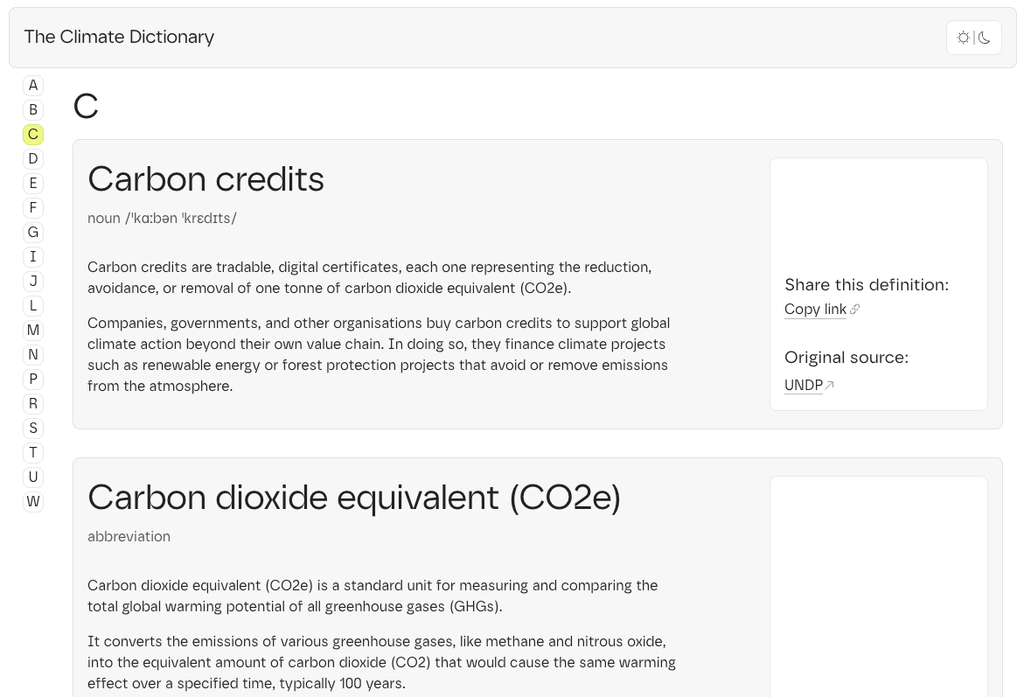
The site doesn’t contain a lot of HTML elements on initial page load, only what is necessary for above the fold content and the introduction. The rest is dynamically loaded from JSON.
Utilising the power of JSON
Instead of hooking the website up to a traditional server-side database with a tool such as WordPress, I was inspired by another project by a friend who was using JSON to manage a collection of data. Highly compressible and easily queried with JavaScript, it felt like a great solution to manage the data within the dictionary. It is really easy for me to update as well while being safely version controlled in a Git repository.
The result
For such a quick project, turned around in a weekend, I am proud of what I have created. A simple, lightweight, easy to use resource for people to learn what certain complex words and phrases mean within the climate space.